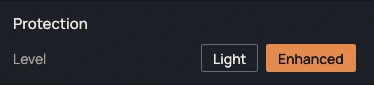
Two levels
Light asks the system to stay awake, as a video player does. Enhanced also sends the invisible F15 key after a period of inactivity, adjustable from 10 to 600 s. The Enhanced level also delays session locking.

KeepAwake prevents sleep, screen turn-off and session locking while it is active. The power plan, the registry and group policies are not changed.
1.1.0 · November 15, 2026 · 6.3 MB
Portable version (.zip)Other systems and versions
Windows may show a warning on first launch: the executables are not signed yet. Click "More info", then "Run anyway". To verify the file, compare its SHA-256 checksum with the one in the technical details.
Available for Windows and Linux
1.1.0 · November 15, 2026
Request recorded. Thank you.
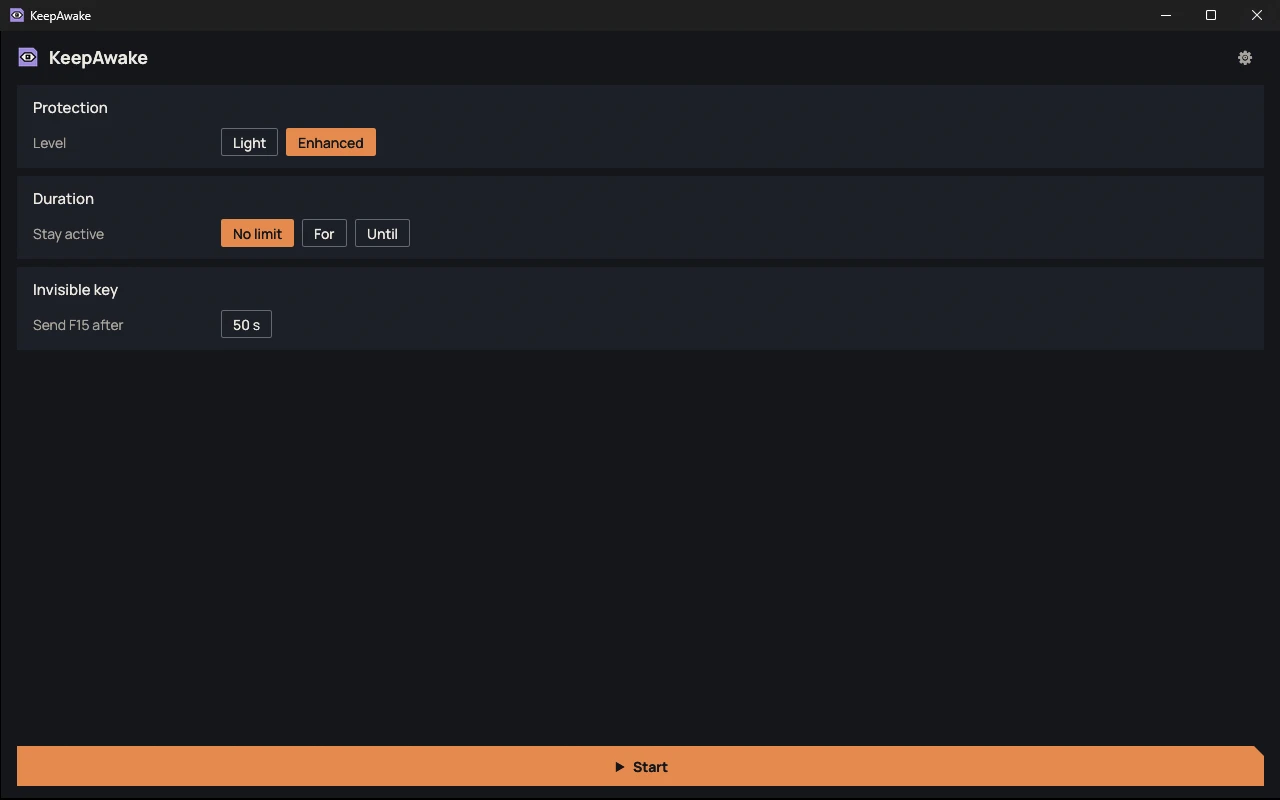
Light asks the system to stay awake, as a video player does. Enhanced also sends the invisible F15 key after a period of inactivity, adjustable from 10 to 600 s. The Enhanced level also delays session locking.
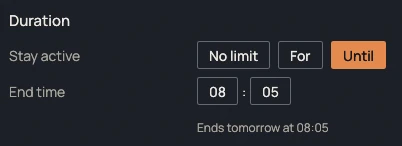
No limit, for a given duration or until a set time. A countdown is shown in the window and in the icon tooltip. At the end, KeepAwake stops and says so with a notification.
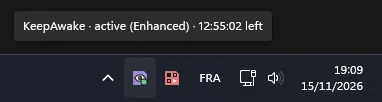
Start puts the window away in the notification area. Right-clicking the icon gives Start, Stop and Quit. As soon as KeepAwake is stopped or closed, the PC goes back to its usual behavior.
| File | Format | Size | SHA-256 |
|---|---|---|---|
| Windows, installer | .exe | 6.3 MB | a76737bc32b0aabb31d4e0b39fd14721acb4933eeba3dc4c689ad5947be452b8 |
| Windows, portable | .zip | 5.5 MB | f6c11c9c1b71db5c0940571f58dcc4258b5a91773c8c7b85fae9f48d40dcdcf2 |
| Linux, portable | — | — | — |
Compute the SHA-256 checksum of the downloaded file and compare it with the one in the table. If they differ, the file was modified or not downloaded correctly.
certutil -hashfile <fichier> SHA256sha256sum <fichier>No known bugs
This message goes straight to the person who develops KeepAwake, and it will be read. The email address is optional: leave it if you would like a reply. Otherwise, if your feedback leads to a fix, you will find it in the release notes.