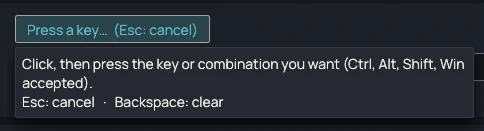
One key, one window
Each shortcut links a key to part of a window title, regardless of case. The numeric keypad is told apart from the top-row digits, with Num Lock on or off. The Test button tries the shortcut right away.

WindowSwitcher links a key or a key combination to a window, identified by part of its title. One press, from any window, brings it to the front.
0.4.0 · November 15, 2026 · 6.3 MB
Portable version (.zip)Other systems and versions
Windows may show a warning on first launch: the executables are not signed yet. Click "More info", then "Run anyway". To verify the file, compare its SHA-256 checksum with the one in the technical details.
Available for Windows and Linux
0.4.0 · November 15, 2026
Request recorded. Thank you.
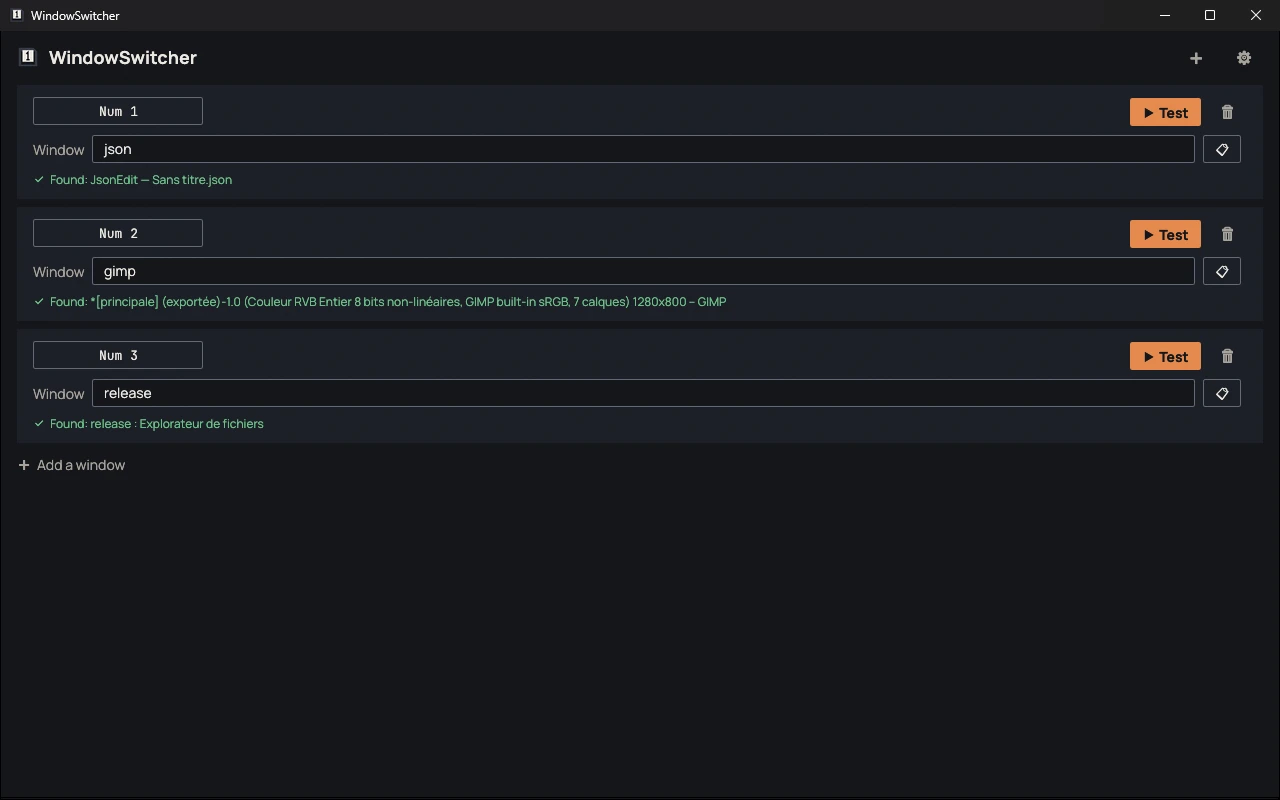
Each shortcut links a key to part of a window title, regardless of case. The numeric keypad is told apart from the top-row digits, with Num Lock on or off. The Test button tries the shortcut right away.
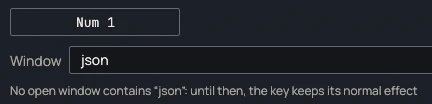
If no open window matches, the key does what it usually does. A minimized window is restored before being brought to the front. Shortcuts reserved by the system are refused.
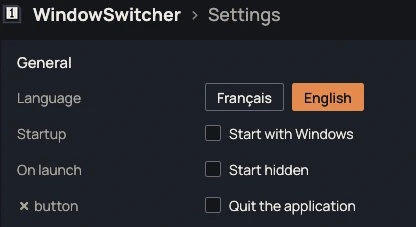
WindowSwitcher stays in the notification area and listens to the keyboard while its window is closed. It can start with Windows, hidden.
| File | Format | Size | SHA-256 |
|---|---|---|---|
| Windows, installer | .exe | 6.3 MB | 3fa97e2fb1eb7b1b755ddfd9f9ed91989263651b798c173db821e81328b78275 |
| Windows, portable | .zip | 5.5 MB | 3c5f0f23b848eef55ca7bc82459fce01add30607d15811b75d213d4837327378 |
| Linux, portable | — | — | — |
Compute the SHA-256 checksum of the downloaded file and compare it with the one in the table. If they differ, the file was modified or not downloaded correctly.
certutil -hashfile <fichier> SHA256sha256sum <fichier>No known bugs
This message goes straight to the person who develops WindowSwitcher, and it will be read. The email address is optional: leave it if you would like a reply. Otherwise, if your feedback leads to a fix, you will find it in the release notes.