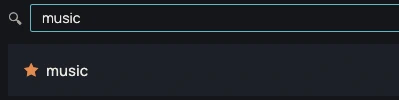
A searchable list
Each tool has a name and a category. Search and category filters narrow the list; Enter launches the first result. Dragging a card changes the order of the list.

Toolhub gathers in one list the programs, scripts, folders, documents and web addresses you use. It stays in the notification area, where its menu launches your favorites.
0.7.2 · November 15, 2026 · 6.4 MB
Portable version (.zip)Other systems and versions
Windows may show a warning on first launch: the executables are not signed yet. Click "More info", then "Run anyway". To verify the file, compare its SHA-256 checksum with the one in the technical details.
Available for Windows and Linux
0.7.2 · November 15, 2026
Request recorded. Thank you.
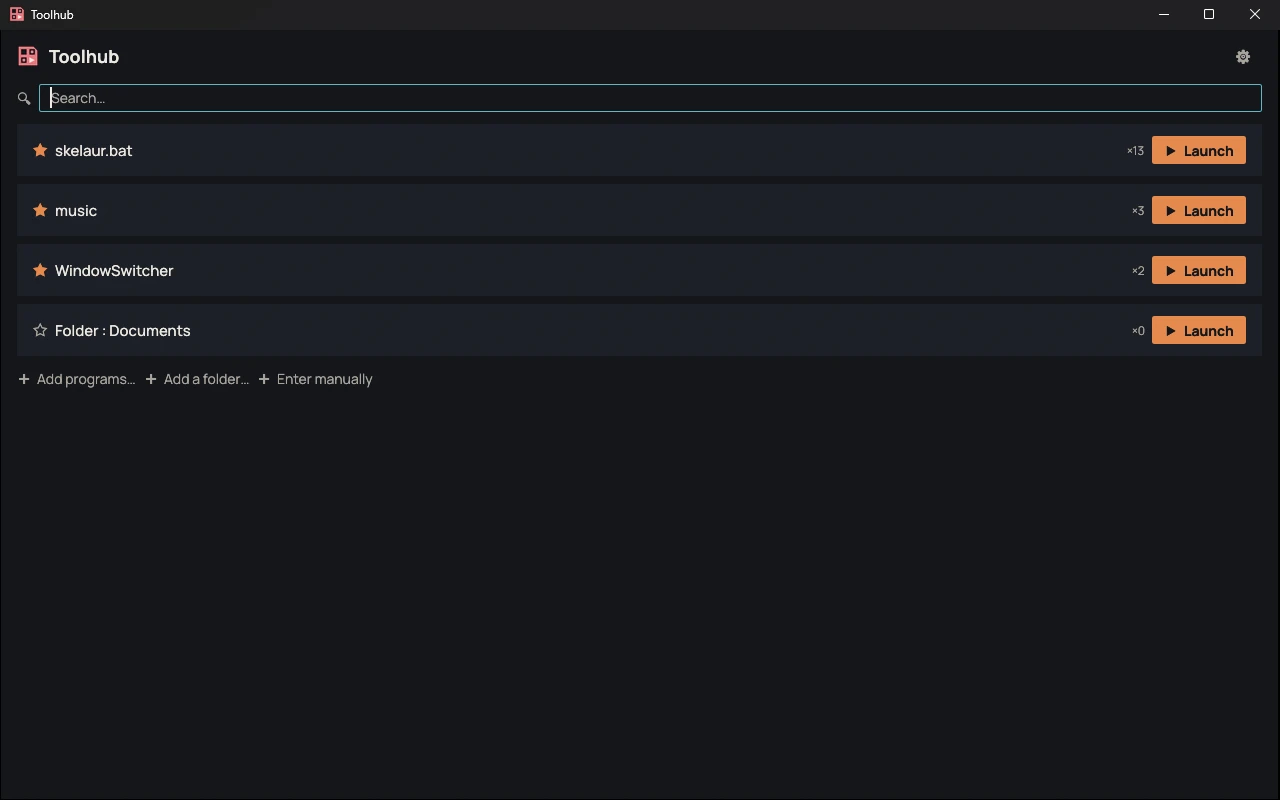
Each tool has a name and a category. Search and category filters narrow the list; Enter launches the first result. Dragging a card changes the order of the list.
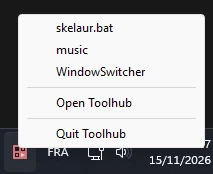
Tools marked with a star and the five most launched are favorites. An automatic favorite can be removed. The notification icon menu shows only favorites.
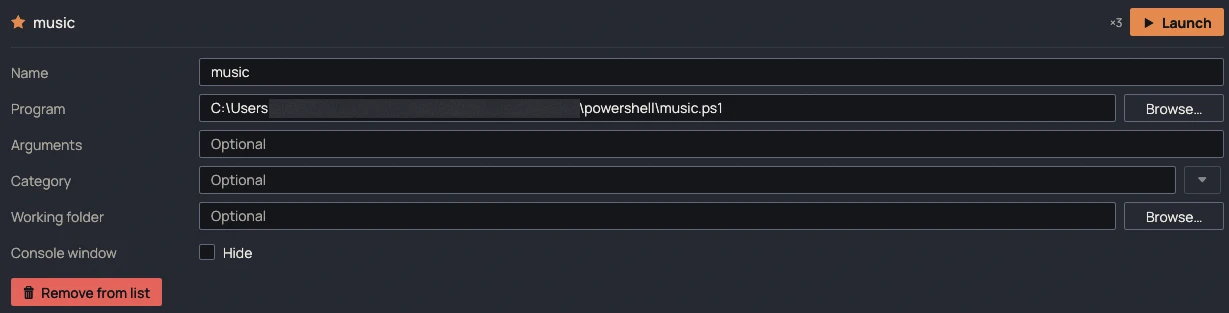
.bat, .cmd, .ps1 and .sh scripts open as if double-clicked, with a visible console; it can be hidden tool by tool. Toolhub can start with Windows, hidden in the notification area.
| File | Format | Size | SHA-256 |
|---|---|---|---|
| Windows, installer | .exe | 6.4 MB | 0a29b393bc71f60f09d9f83f0558dd8a415fd333967c820215e865a2d6fa5232 |
| Windows, portable | .zip | 5.6 MB | cf793e8169ecc60cb839fe556c4785a77eef04fc86fb443ffbaa9c9b7405e462 |
| Linux, portable | — | — | — |
Compute the SHA-256 checksum of the downloaded file and compare it with the one in the table. If they differ, the file was modified or not downloaded correctly.
certutil -hashfile <fichier> SHA256sha256sum <fichier>No known bugs
This message goes straight to the person who develops Toolhub, and it will be read. The email address is optional: leave it if you would like a reply. Otherwise, if your feedback leads to a fix, you will find it in the release notes.