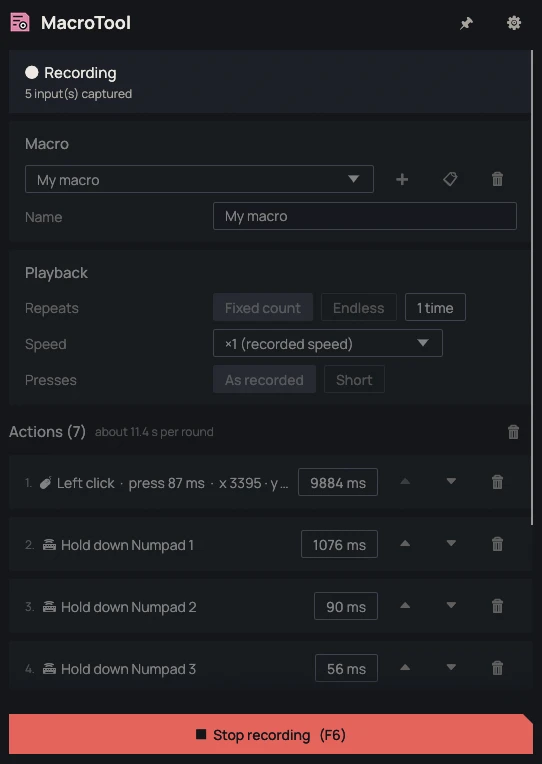
Record, then play back
F6 starts and stops recording, F7 starts and stops playback. Esc stops a playback in progress. The shortcuts can be changed in the settings.

MacroTool records the clicks, keystrokes and, optionally, mouse movements made in other windows. The resulting macro is a list of editable actions, played back with the F7 key.
0.3.2 · November 15, 2026 · 6.4 MB
Portable version (.zip)Other systems and versions
Windows may show a warning on first launch: the executables are not signed yet. Click "More info", then "Run anyway". To verify the file, compare its SHA-256 checksum with the one in the technical details.
Available for Windows and Linux
0.3.2 · November 15, 2026
Request recorded. Thank you.
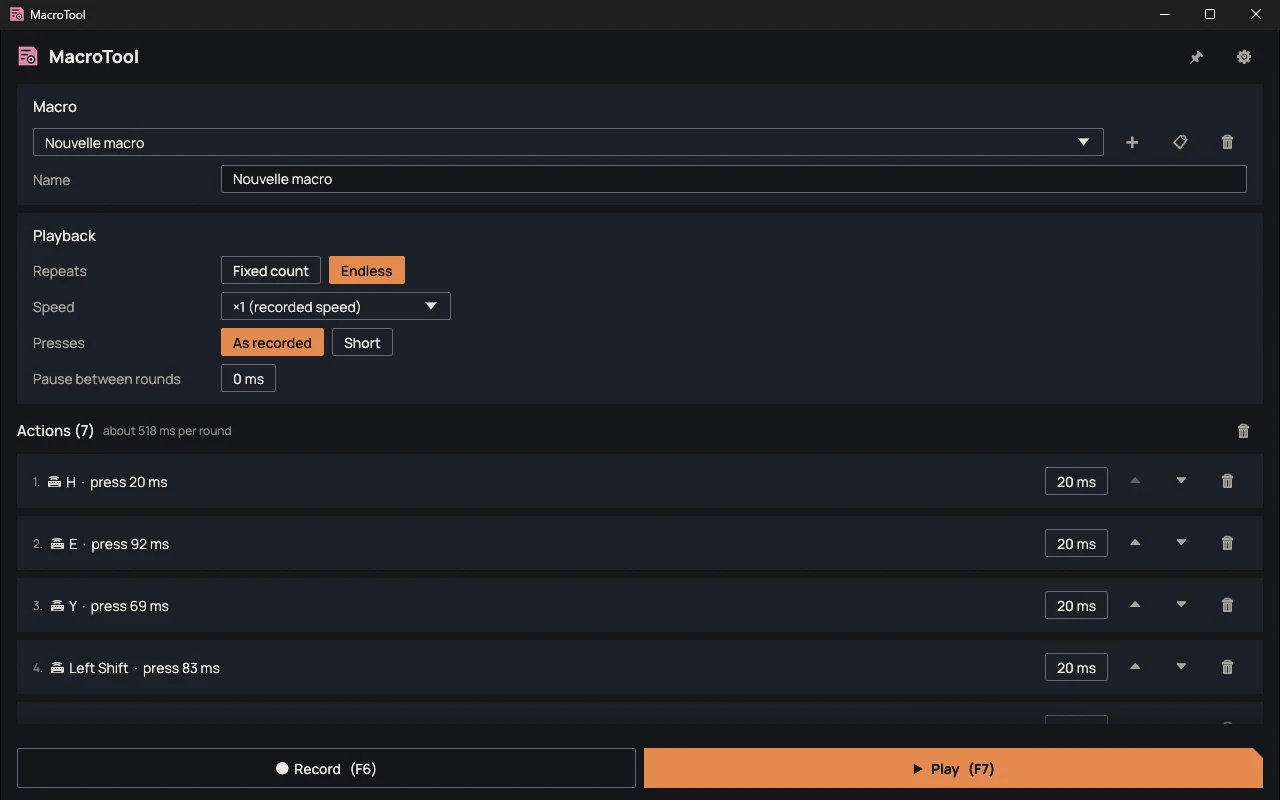
F6 starts and stops recording, F7 starts and stops playback. Esc stops a playback in progress. The shortcuts can be changed in the settings.
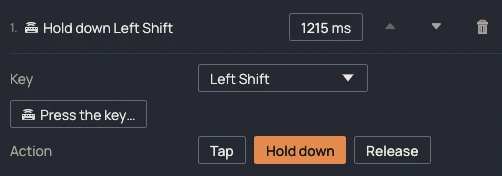
Each action shows its delay and its press duration. An action can be edited, moved or deleted. Others can be added by hand: key, click, mouse wheel or text to type.
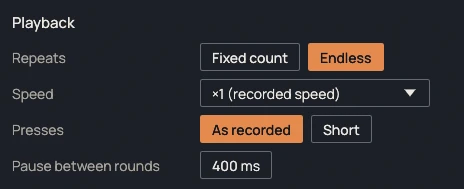
A macro plays a fixed number of times or endlessly, with a pause between rounds. Speed ranges from ×0.25 to ×10. The "Short presses" setting brings every press down to 15 ms.
| File | Format | Size | SHA-256 |
|---|---|---|---|
| Windows, installer | .exe | 6.4 MB | e89772fedee2a4a70e41b200ceafed2f4bb90a88eca39166a82506ad3a36a59a |
| Windows, portable | .zip | 5.7 MB | a9a3dbe190b573c64a64b3641fb69e263411f10cc32b140f7674c4b25025ba62 |
| Linux, portable | — | — | — |
Compute the SHA-256 checksum of the downloaded file and compare it with the one in the table. If they differ, the file was modified or not downloaded correctly.
certutil -hashfile <fichier> SHA256sha256sum <fichier>No known bugs
This message goes straight to the person who develops MacroTool, and it will be read. The email address is optional: leave it if you would like a reply. Otherwise, if your feedback leads to a fix, you will find it in the release notes.