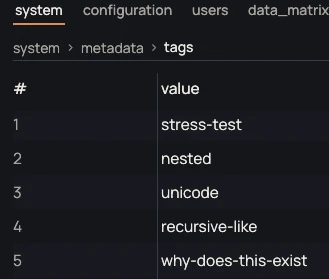
Three table layouts
An object is shown as key / value, a list as number / value, a list of objects as records with one column per field. Each object or list at the root has its own tab. A breadcrumb shows where you are.

JsonEdit shows a JSON file as a table: you change a value, add a row or a column, without writing any JSON. The unchanged parts of the file are copied as they are.
0.2.0 · November 15, 2026 · 6.7 MB
Portable version (.zip)Other systems and versions
Windows may show a warning on first launch: the executables are not signed yet. Click "More info", then "Run anyway". To verify the file, compare its SHA-256 checksum with the one in the technical details.
Available for Windows and Linux
0.2.0 · November 15, 2026
Request recorded. Thank you.
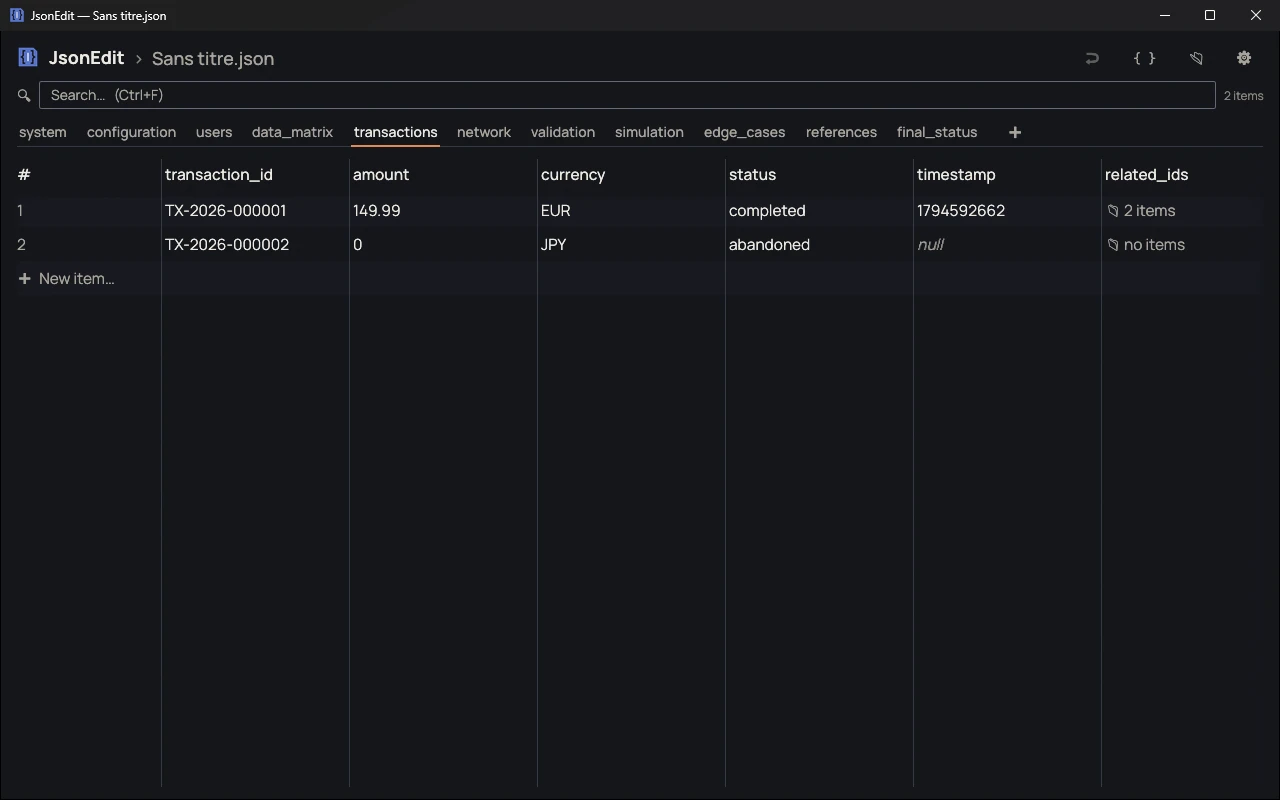
An object is shown as key / value, a list as number / value, a list of objects as records with one column per field. Each object or list at the root has its own tab. A breadcrumb shows where you are.
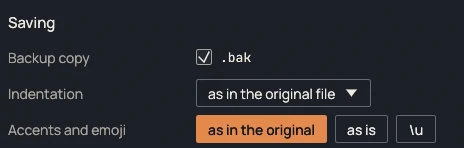
The file is saved 0.7 s after the last change. A .bak copy is made at the first change. If another program changes the file, JsonEdit reloads it.
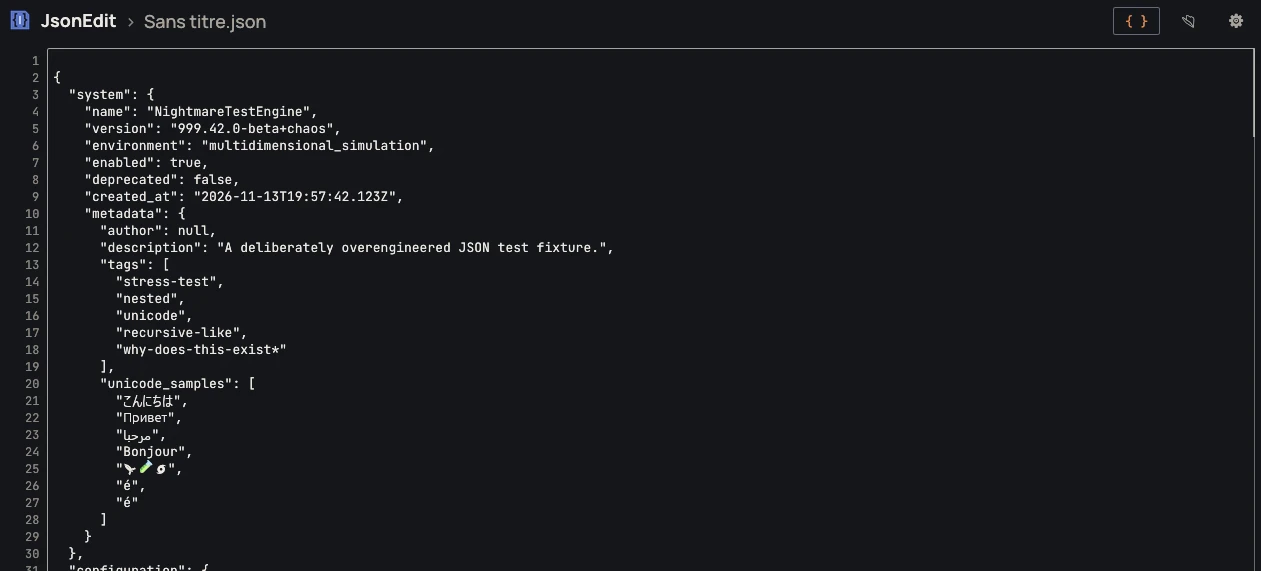
The { } button shows the whole file as text, with line numbers. A malformed file opens directly as raw text, with the faulty line highlighted, so it can be fixed.
| File | Format | Size | SHA-256 |
|---|---|---|---|
| Windows, installer | .exe | 6.7 MB | 6309a957017243f6a7d346fed3806a888e604ff1971b13ce6dd9259441e7c37e |
| Windows, portable | .zip | 6.1 MB | 07d2e1b6cd84b107c20f99b7673dc4ab2105a92ac6828f5c5fd4372b9657d820 |
| Linux, portable | — | — | — |
Compute the SHA-256 checksum of the downloaded file and compare it with the one in the table. If they differ, the file was modified or not downloaded correctly.
certutil -hashfile <fichier> SHA256sha256sum <fichier>No known bugs
This message goes straight to the person who develops JsonEdit, and it will be read. The email address is optional: leave it if you would like a reply. Otherwise, if your feedback leads to a fix, you will find it in the release notes.